RM
Robert McNees
3mo ago
#52

A few quick comments

Very excited to see something native that might replace Books. A few things I noticed right off the bat, which may already be on your roadmap, when I loaded a random epub ("The Sword & Sorcery Anthology, Tachyon Press, 2012).

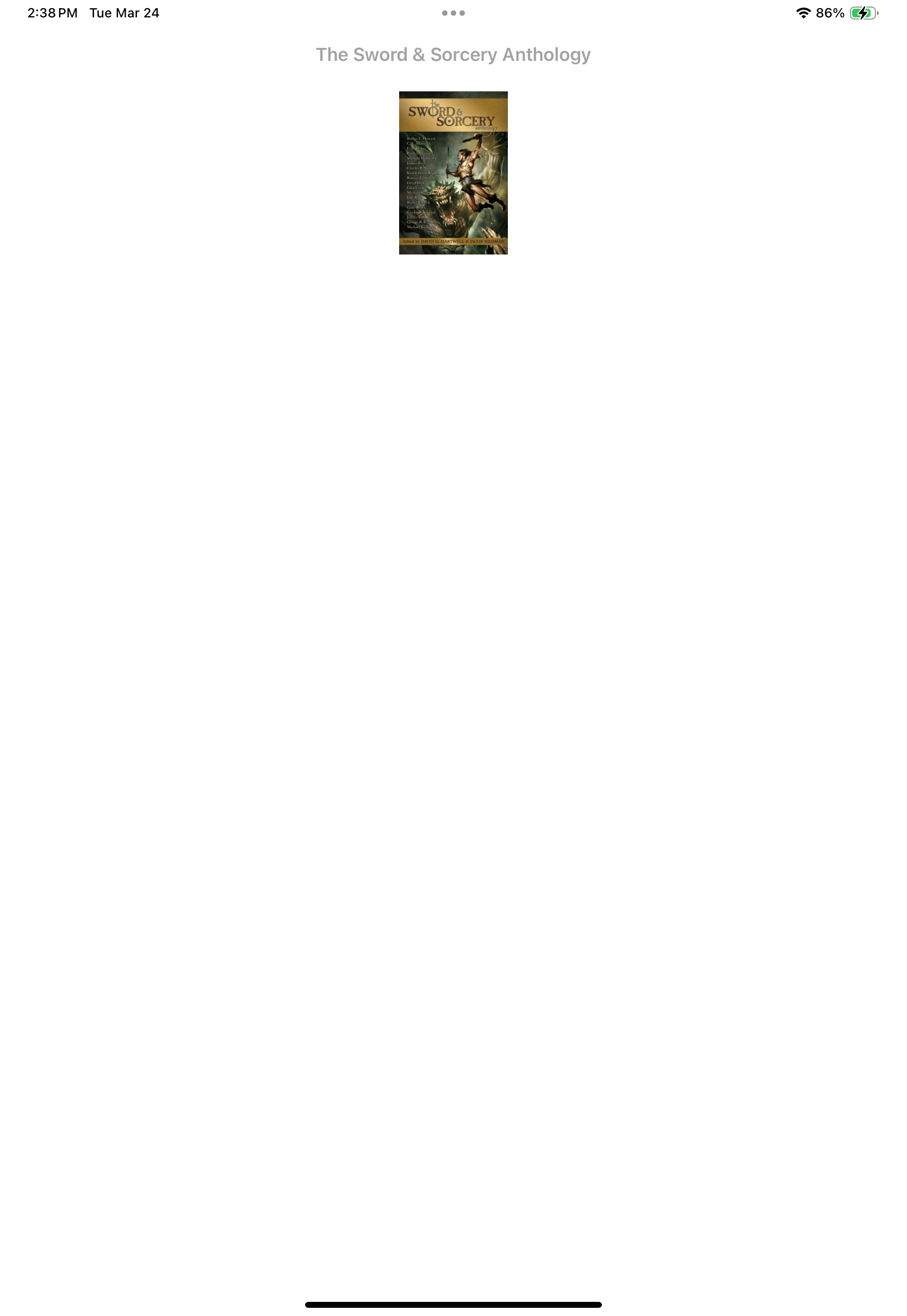
  1. The cover displays as a small thumbnail rather than a full size graphic. (Image 1)
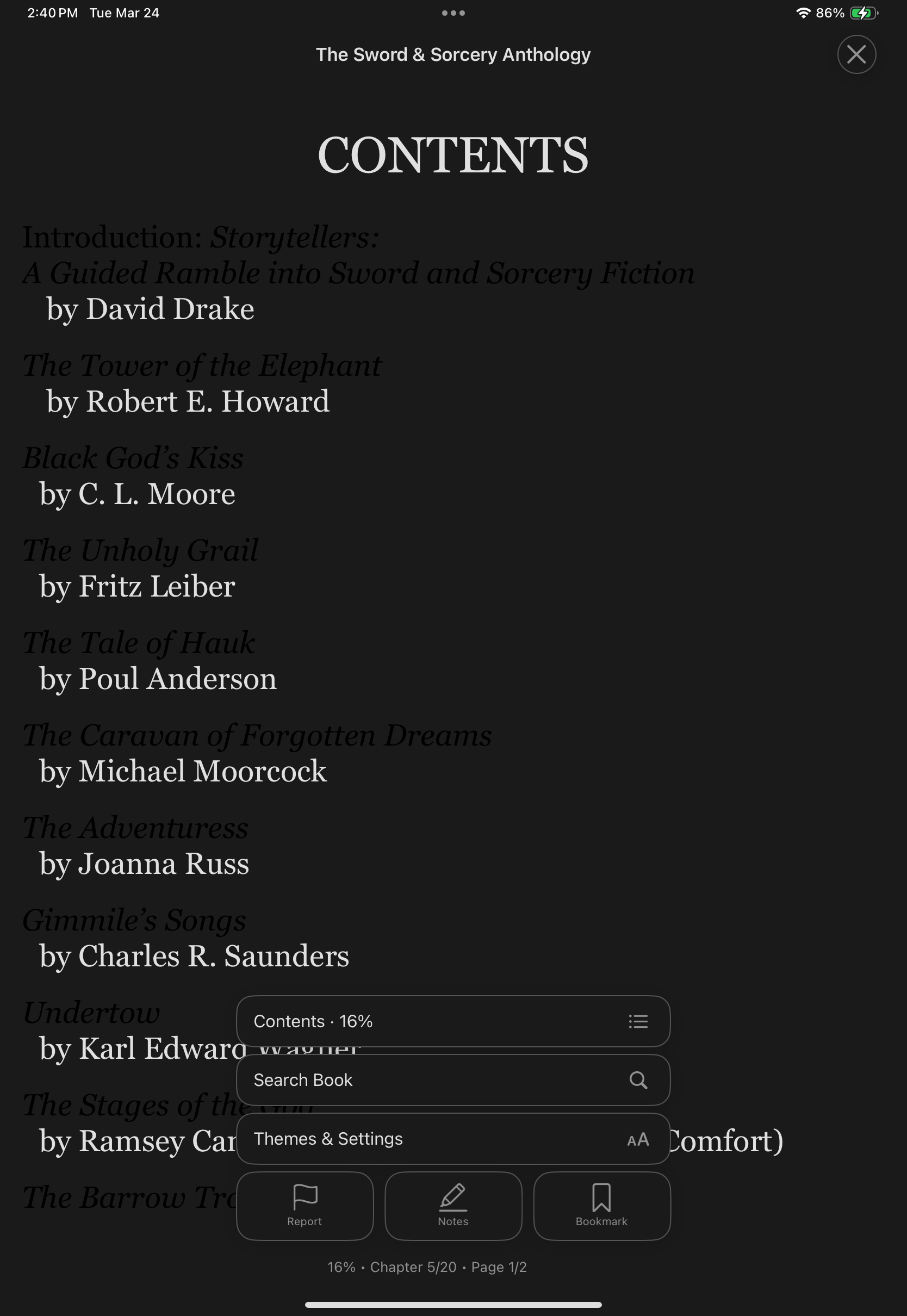
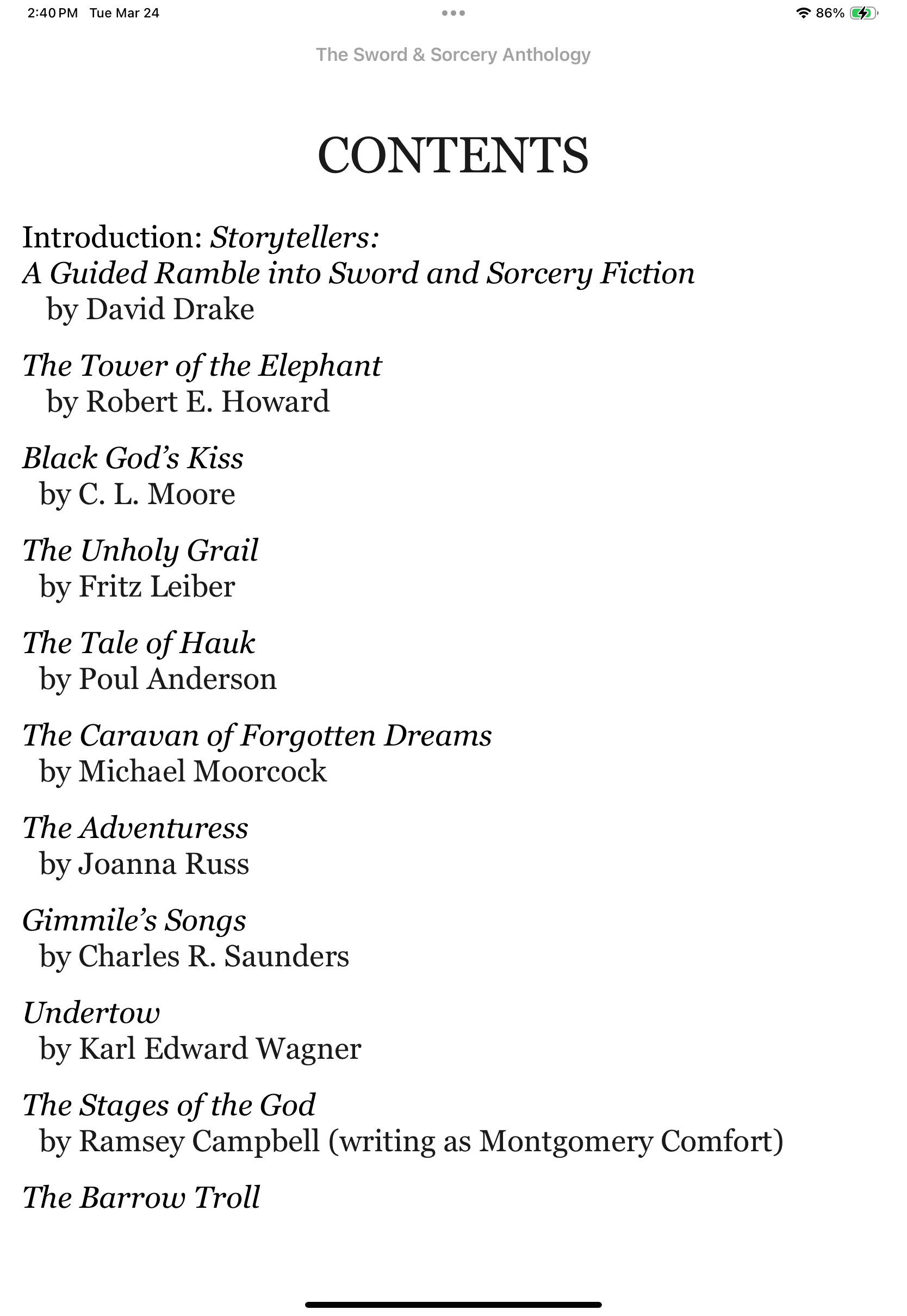
  2. Switching to dark mode does not invert all text. I assume the epub specifies some text as "black," and some as generic text with no specific color. (Image 2 vs Image 1)
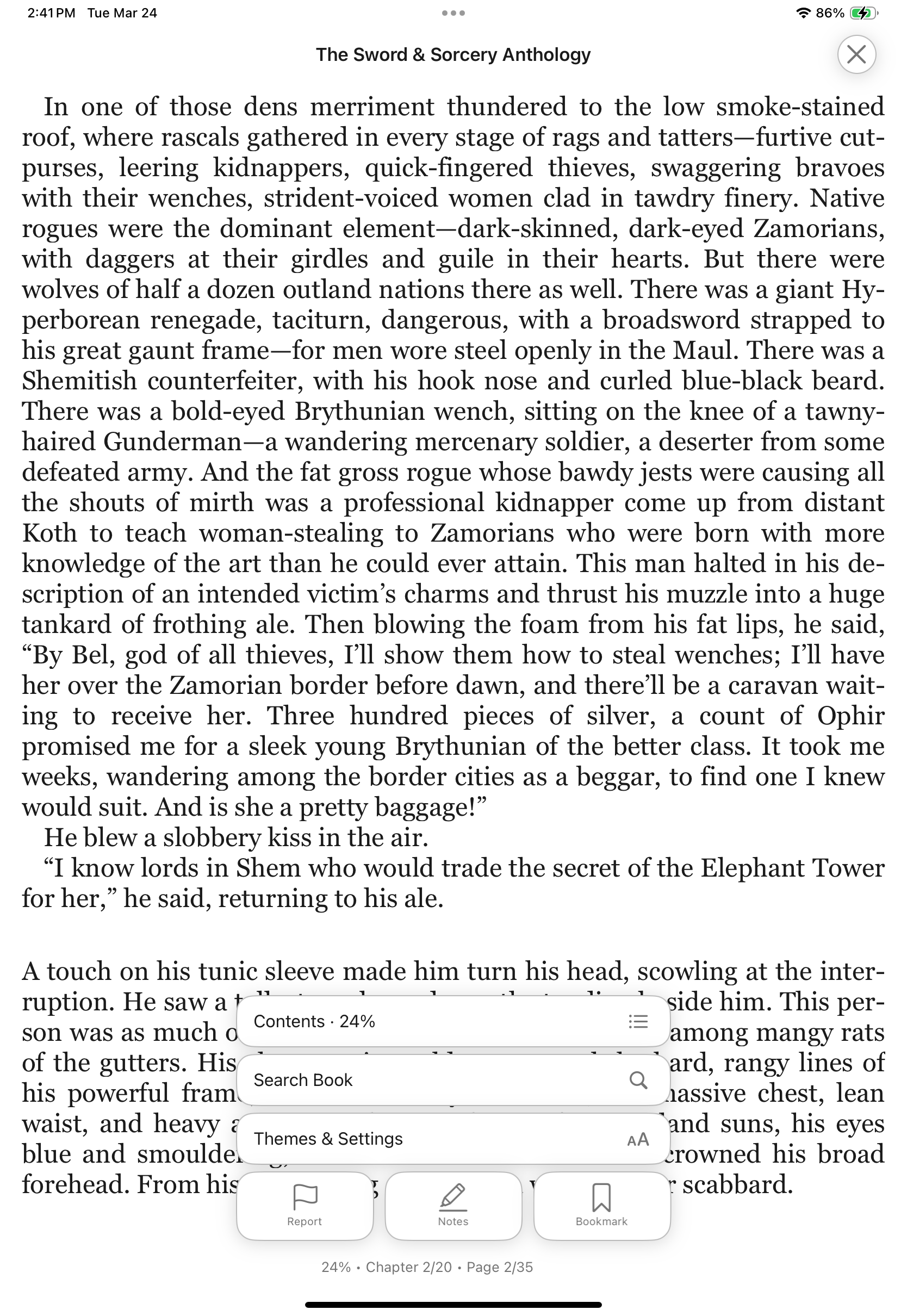
  3. The default for many epubs will be cramped and hard to read without a way to adjust line spacing. (Image 4)
In Progress 2

1 person liked this

2 comments

Thanks for the feedback, Robert! Two of the three items you raised have been addressed:

  1. Dark mode text inversion — Fixed. The reader now strips publisher color declarations from embedded stylesheets so the dark theme applies consistently to all text.
  2. Line spacing — The reader has had adjustable line spacing since version 1.0.23.
  3. Cover thumbnail sizing — Tracked and on our list to fix.

The dark mode fix will ship in the next release. Thanks for taking the time to report this!

BookShelves Team · 25d ago

All three items have been addressed and will be included in an upcoming release:

  1. Cover page -- Cover images in the reader now scale to fill the page width properly, including SVG-based covers.
  2. Dark mode text -- The reader forces theme colors on all text, so hardcoded black text in EPUBs is properly inverted in dark and sepia themes.
  3. Line spacing -- Adjustable line spacing (1.0x to 2.4x) with a Default toggle is available in the reader appearance panel.

Thanks for the detailed report and screenshots!

BookShelves · 13d ago

Activity

  • BookShelves Team changed status from Shipped to In Progress · 25d ago

Sign in

Sign in to post, comment, and vote.

Sign in with Apple Sign in with Google