 BookShelves
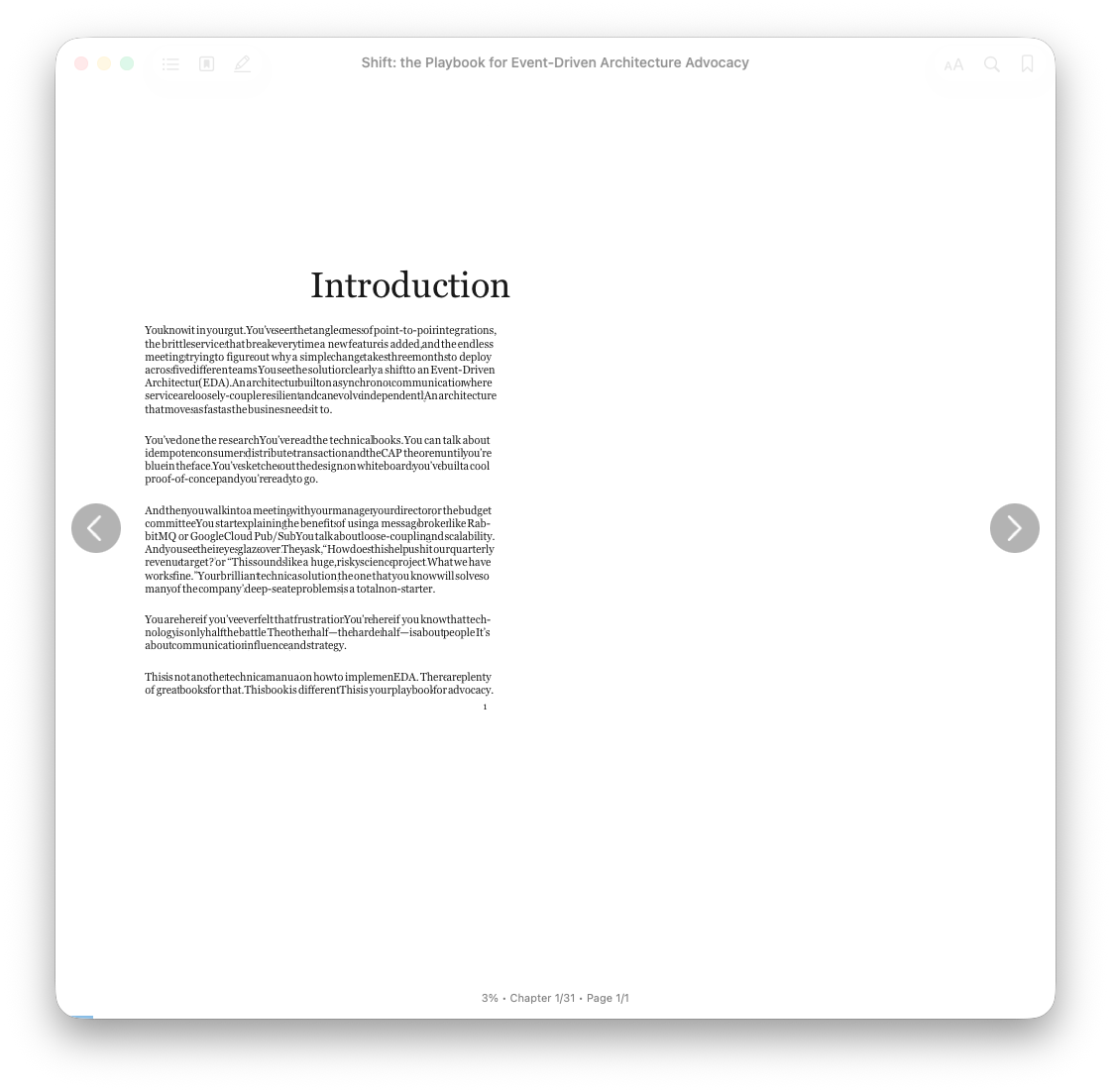
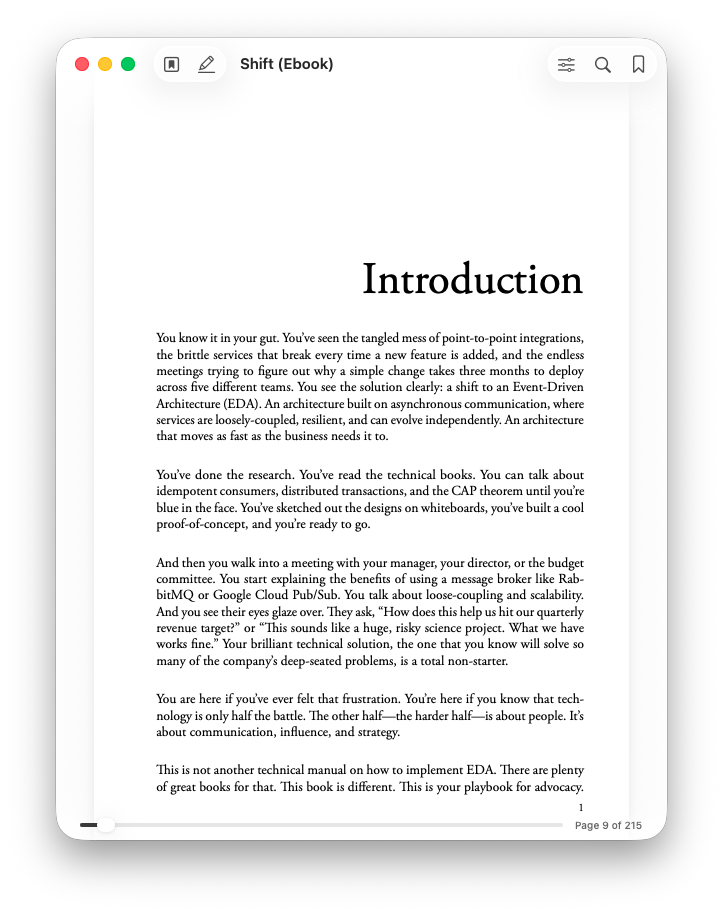
I have an epub of a book called Shift. It doesn't render correctly.
The PDF version does render correctly.
What do you need to help debug this problem? I'm open to helping any way I can.
Thanks for this neat app. I'm going to buy the second you add syncing via onedrive support!
2 comments
Thanks for the detailed report. The side-by-side EPUB vs. PDF screenshots are perfect.
The "words mashed together" symptom almost always means one of two things: the EPUB's embedded font has a broken space glyph, or its CSS is collapsing word spacing. PDFs sidestep this because they ship pre-laid-out glyphs.
Easiest way to send me everything I need:
In the reader, tap the Aa button, then Report Rendering Issue. That sends an anonymous report with the screenshot, the chapter's HTML, the stylesheets, and your reader settings, which is exactly what I need to reproduce and fix it. Add a one-line note like "Shift book, no word spacing" so I can find it.
Two quick tests while you're there (also via the Aa menu):
Switch the font to Literata. If words separate correctly, it's a broken embedded font.
Toggle Justify Text off. If that fixes it, it's a CSS issue.
Either result narrows it down a lot.
For anything else, please use the feedback form at https://getbookshelves.app/feedback/, which is the only channel I monitor.
On OneDrive sync: logged as a feature request. Can't promise a date, but you're not the first to ask.
oh, that's super useful! Thanks.
Might be worth updating the https://getbookshelves.app/feedback/ page content at the top to include a note on how to report rendering issues or bugs.
I tried switching font. Sadly this made no difference.
I tried toggling justify text. Sadly also no difference.
Noted re OneDrive. I've flagged my interest in that feature. I went down a rabbit hole of running my own OPDS server, but it looked like more effort than it was worth. Plus I couldn't tell for sure if I could then import books from it.